Service workflow
Buttons and staff requests activate rules, repeat audio when needed and close cleanly when acknowledged.
Service alerts, sensors and response accountability
A local appliance that turns service buttons, schedules, RemoteAgent requests and sensor events into PA announcements, scored response workflows and operational history managers can use.
The portal handles setup, users, branding, provisioning and visibility. The appliance handles the real work: button activations, sensor readings, scheduled rules, audio jobs, health snapshots and a durable local queue.
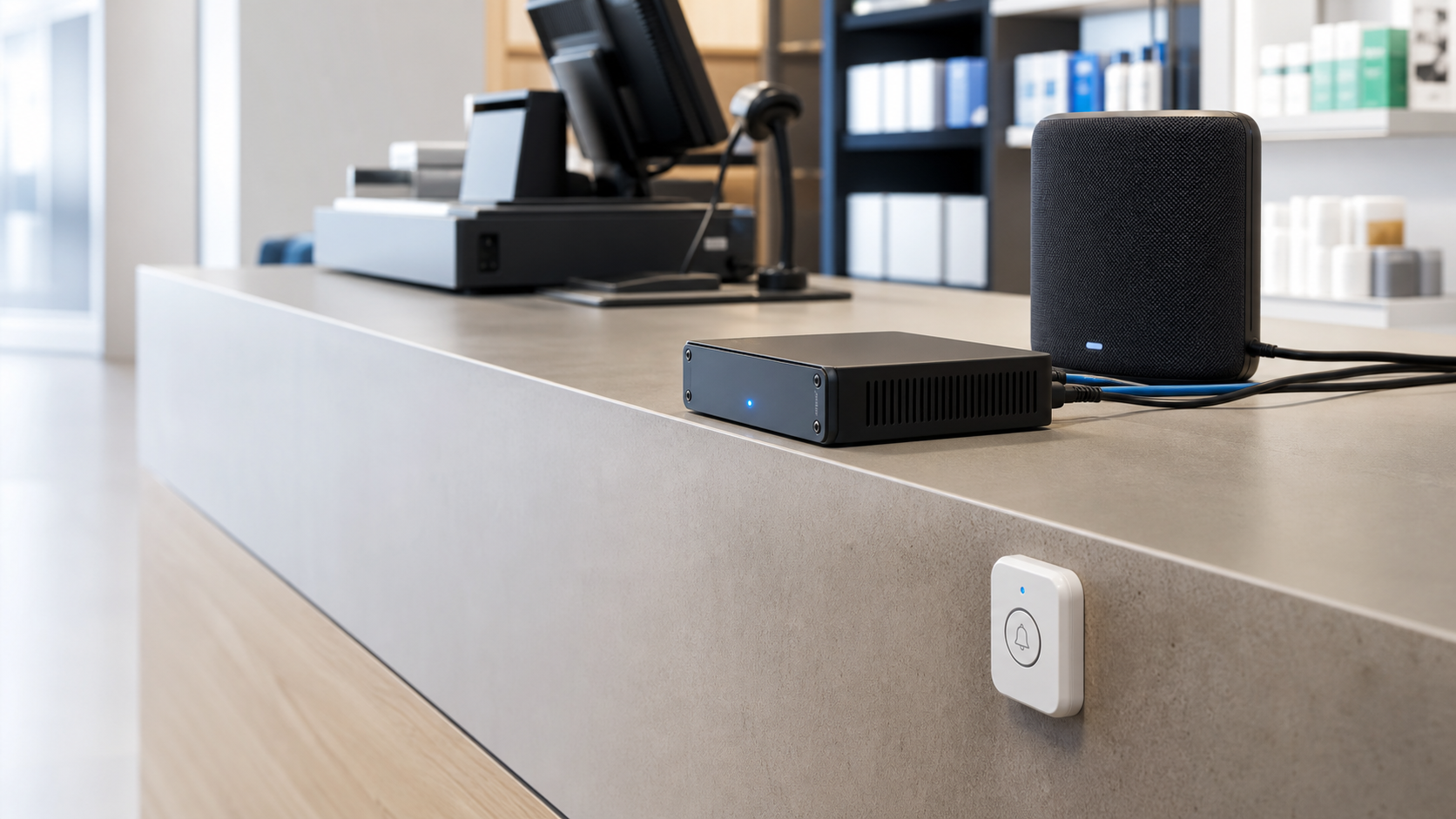
Buttons and staff requests activate rules, repeat audio when needed and close cleanly when acknowledged.
Temperature, humidity, water, asset, motion, distance, power and other readings are captured over time.
Dashboards, scorecards, history graphs, API logs and diagnostics show what happened and when.
Every button workflow uses plain language your client already understands: activated when pressed, acknowledged when cancelled by long press, and timeout when the configured playback or expiration window completes.
The timer starts as soon as the first announcement is played, so scoring follows the real customer experience.
A long press closes the active event, records the response time and assigns the configured score.
If the workflow reaches its maximum plays or expiration window, the event closes as a timeout.
ServiceAlert now has room for any device class that matters on site. Sensors can be provisioned by type, shown in focused tabs and saved into flexible history logs for later rules, trends and predictive analytics.
Temperature, humidity, battery and signal timelines for coolers, dining areas, offices and stock rooms.
Leak, moisture and sump alerts can become audio announcements, staff messages or escalations.
Track carts, mobile equipment, high-value tools or delivery assets with status and last-seen history.
Motion, panic buttons, staff alerts and door contact data help drive faster response workflows.
TOF distance sensors can watch trash levels, bins, product shelves or fill levels that need action.
Voltage, current, power, frequency and energy telemetry creates a path toward equipment analytics.
The backend gives installers and site managers the tools they need without exposing the underlying hardware details. Super admins can control approved models, customer-facing names and whether unknown devices are visible during setup.
Discover hardware, assign types, split multifunction sensors and keep mesh, buttons and sensors organized.
Lock down which device families can be paired and map models to clean customer-facing product names.
Configure plays, intervals, expiration behavior, dynamic text, audio files and cancellation behavior.
See buttons, sensors, mesh, warnings, schedules, active rule runs and audio queue state at a glance.
Run upgrade checks, inspect database state, review service health and verify the appliance is ready.
Keep super admin tools restricted while giving operators simple menus for daily work.
Service events, schedules, RemoteAgent messages and sensor rules all feed the same audio pipeline. Use local voices for appliance-first operation, enable cloud voices when available, and cache rendered messages.
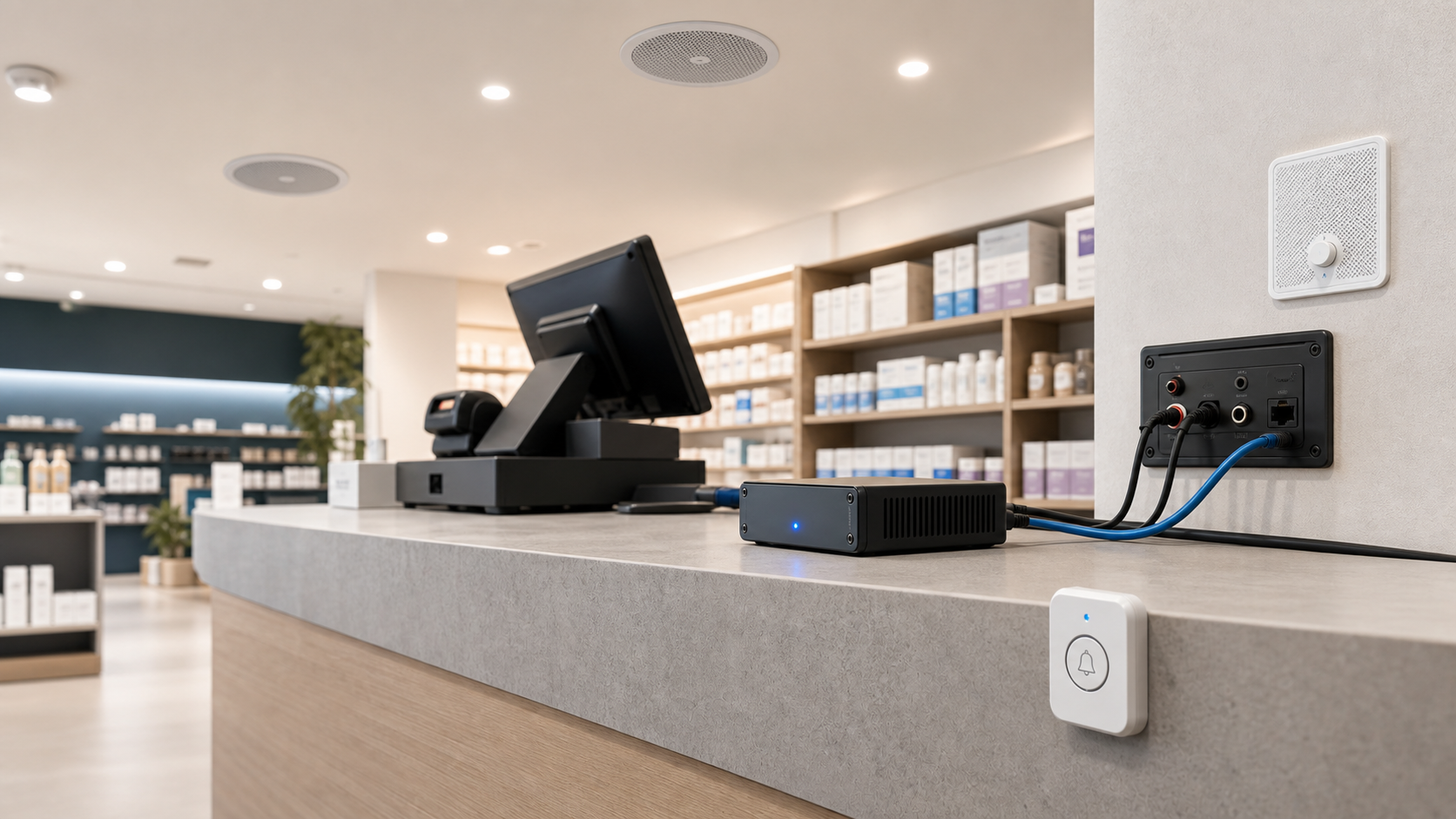
Reporting covers button events, response scores, response times, RemoteAgent submissions, audio playback, device health, sensor history and rule usage. API tokens can be scoped so clients can query only the data they need.
RemoteAgent runs in the tray or menu bar, connects to this appliance API, and lets staff send selected rules with typed text from a quick popup. Templates can turn a department, order number, associate name or service request into a complete announcement.
API endpoint: https://servicealert.net/api/v1
The homepage can be served from the appliance address, so RemoteAgent users already know the endpoint. Admins can still manage tokens, CORS, rules, audio engines, hardware controls, branding and diagnostics after login.
Install, enter the appliance endpoint, sign in or paste a token, select a rule and start sending requests.
Product name, colors, sidebar, footer text, device labels and role menus can be tuned for each deployment.
Schema checks, service health, API requests, audio jobs, rule runs and database tools live behind admin access.